Challan Created
Customer, item, quantity, tax, transport, and remarks are captured.
Create, track, convert, and manage delivery challans in one place with BusinessBook Plus. Keep goods movement records clear before final billing, maintain better visibility across customers, suppliers, transport, and inventory, and reduce confusion between dispatch and invoicing.
Customer, item, quantity, tax, transport, and remarks are captured.
Dispatched, returned, pending, and converted quantities stay visible
Approved challans can be converted into invoices without duplicate entry
BusinessBook Plus helps connect challan creation, goods movement, pending tracking, customer or supplier records, and invoice conversion in one structured workflow.
Prepare challans with customer, item, quantity, rate, tax, and remarks.
DocumentRecord goods sent for delivery, sample, job , approval, or transfer.
MovementMonitor pending, returned, partial, and completed challans.
StatusTurn approved or completed challans into sales invoices quickly.
InvoicePrint, download, or share challans with customers and transporters.
DeliveredManage delivery challans, pending movement, partial dispatches, customer or supplier records, and invoice conversion with better accuracy.
Manage approval, sample, job work, replacement, stock transfer, and partial dispatch workflows with better documentation.
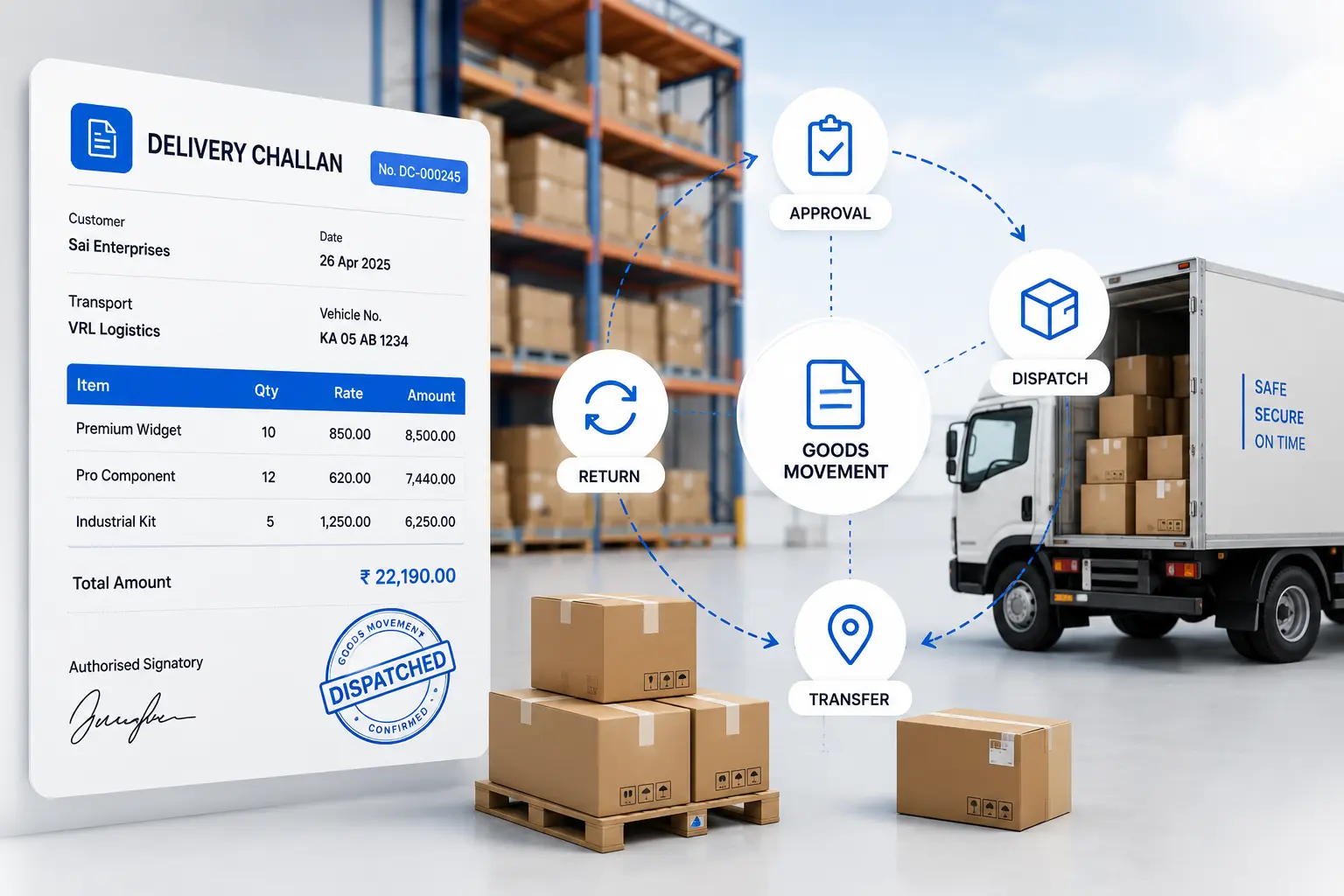
Send goods to customers and create invoices later when the transaction is confirmed.
Track goods sent for approval, trial, sample, or inspection.
Record goods sent to vendors or received back after processing.
Manage product replacement, return, or exchange movements with clear documentation.
Maintain records when goods move between branches, warehouses, or business locations.
Quick answers about creating delivery challans, tracking dispatched goods, managing pending deliveries, inventory movement, returns, and invoice conversion.
A delivery challan is a document used to record the movement or delivery of goods when a sales invoice is not issued immediately. It helps maintain details of the items, quantities, customer, and delivery transaction.
Yes. BusinessBook Plus helps you create and maintain delivery challans with customer, product, quantity, and delivery details so dispatched goods can be tracked properly.
Yes. Delivery challans can be used as the basis for final invoicing, helping reduce duplicate data entry and maintain continuity between delivery and billing records.
Yes. BusinessBook Plus helps you keep track of delivery challans that are still pending for completion or invoicing, making it easier to follow up on open deliveries.
BusinessBook Plus helps connect delivery transactions with inventory movement so you can maintain clearer records of goods dispatched, delivered, returned, or awaiting final invoicing.
Yes. Returned or undelivered goods can be recorded as part of the delivery workflow, helping you maintain accurate delivery, inventory, and transaction records.
BusinessBook Plus helps you track every delivery challan from creation to conversion, so your team can manage pending dispatches, returns, inventory movement, and final invoicing with better accuracy.