Product Found
SKU, variant, batch, and product details identified.
BusinessBook Plus helps you use barcodes across daily operations, from creating items and assigning barcodes to scanning products, updating stock, verifying inventory, and generating reports.
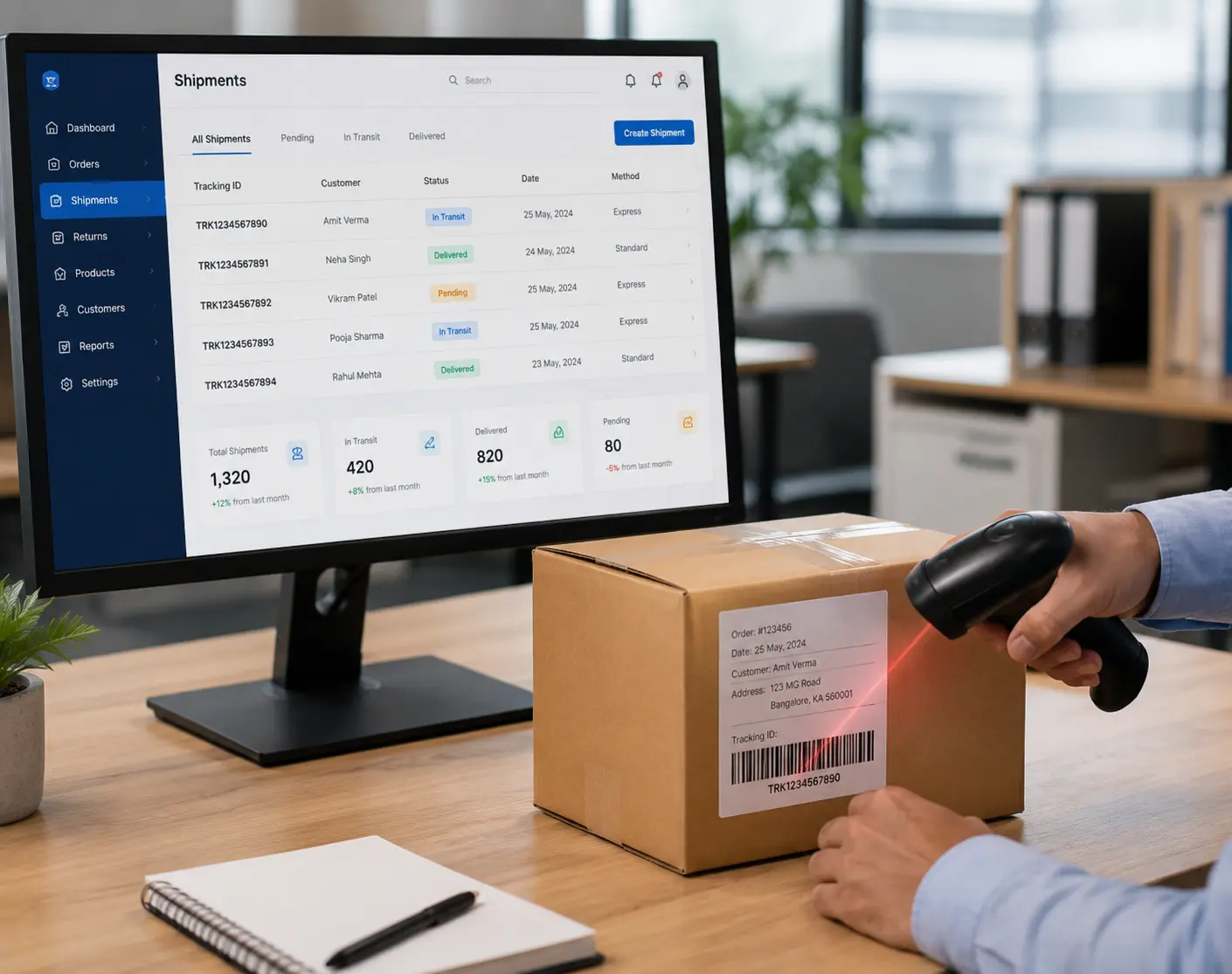
Generate barcode for product, SKU, variant, batch, or pack.
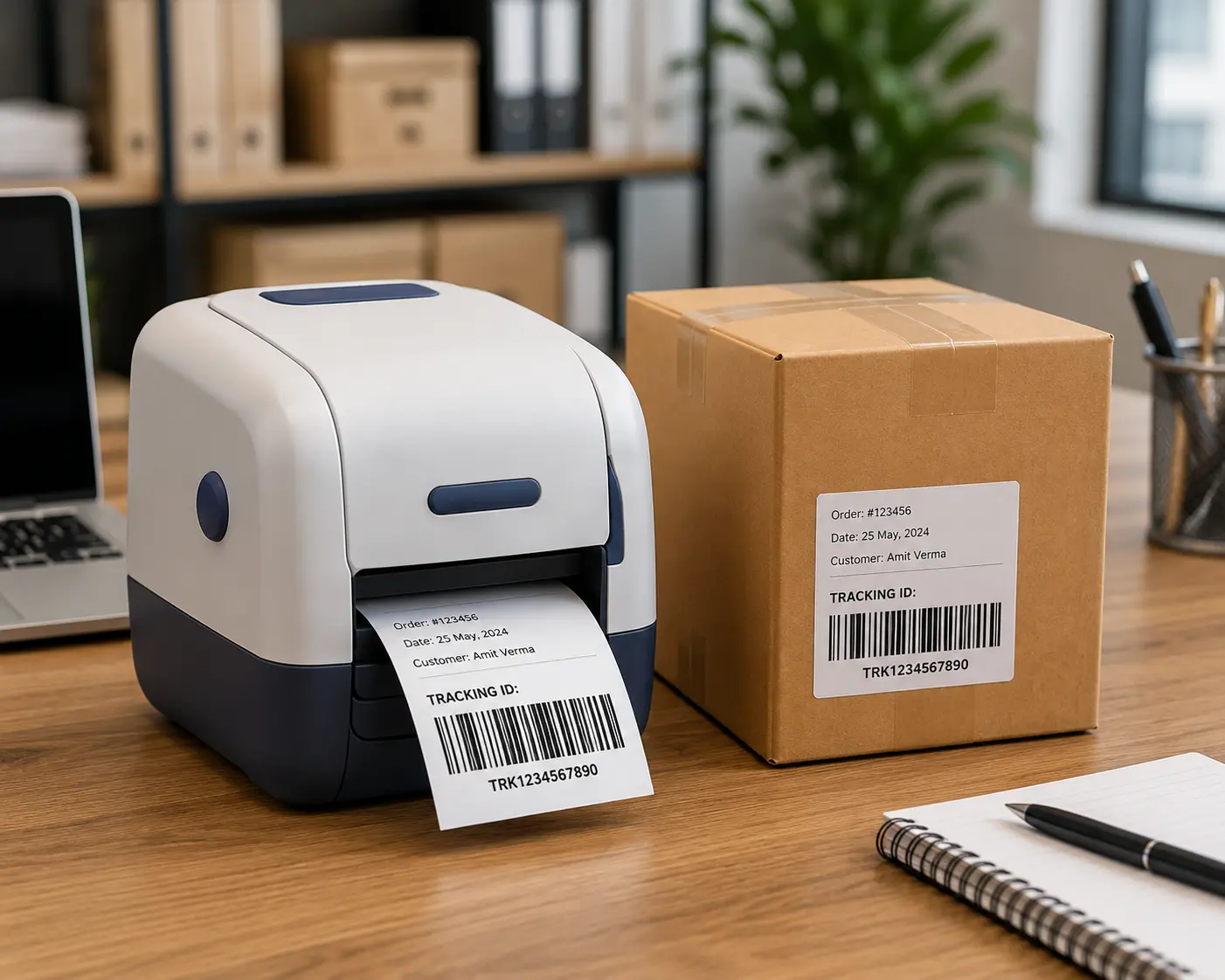
Print barcode labels for products, shelves, boxes, or batches.
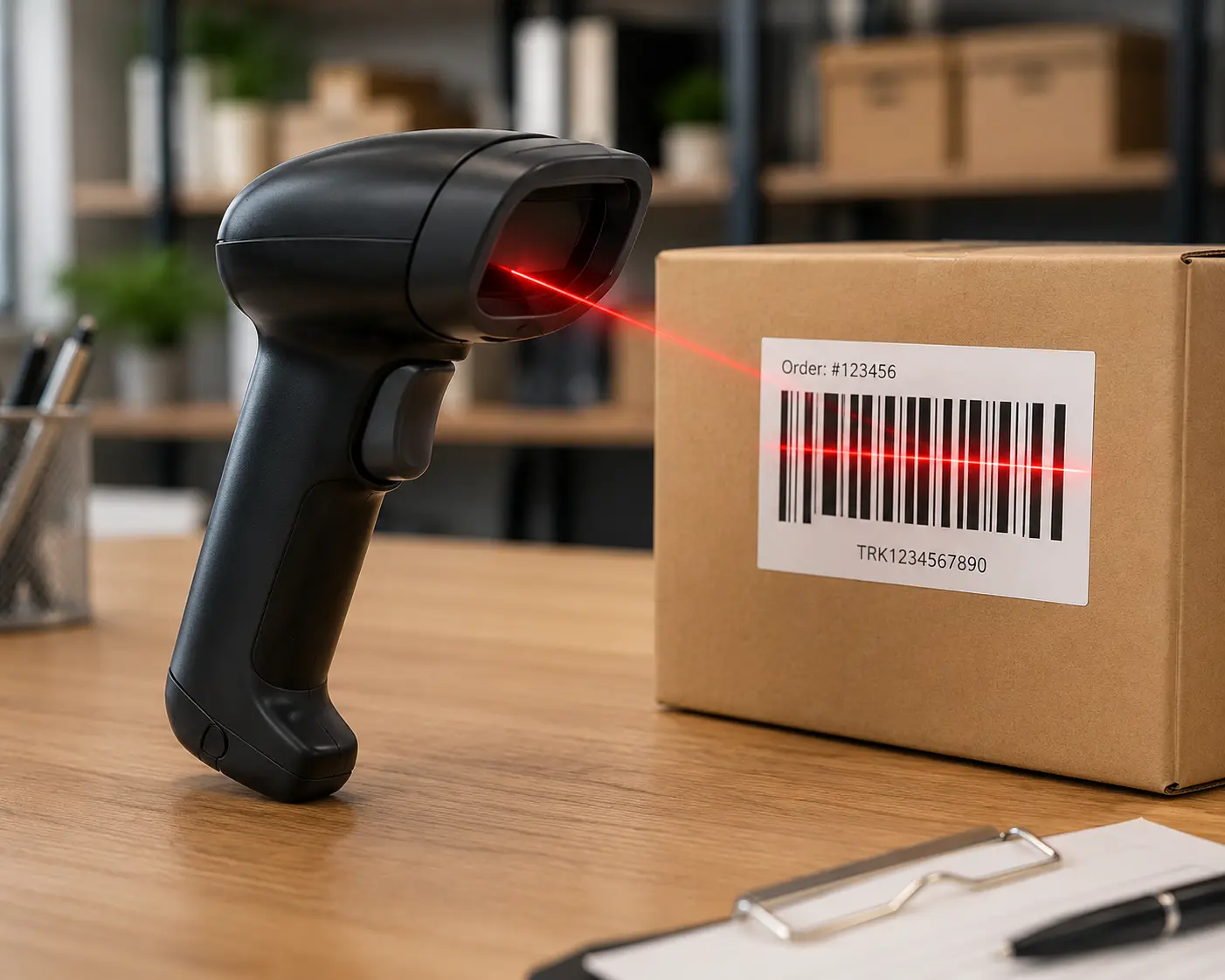
Scan during billing, purchases, stock entries, or verification.
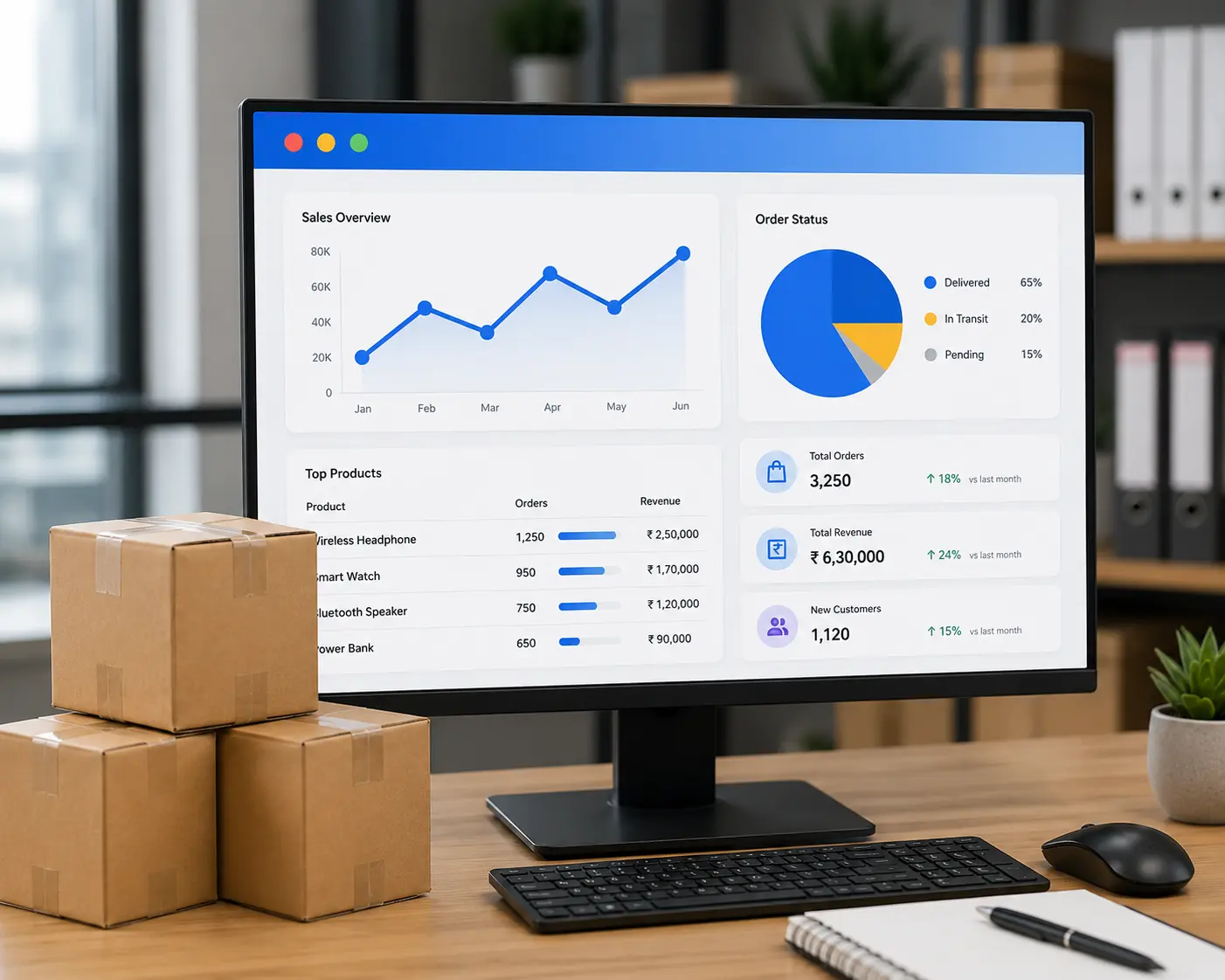
View movement across inventory, sales, purchases, and reports.
Improve billing speed, inventory discipline, and item traceability with simple barcode management.
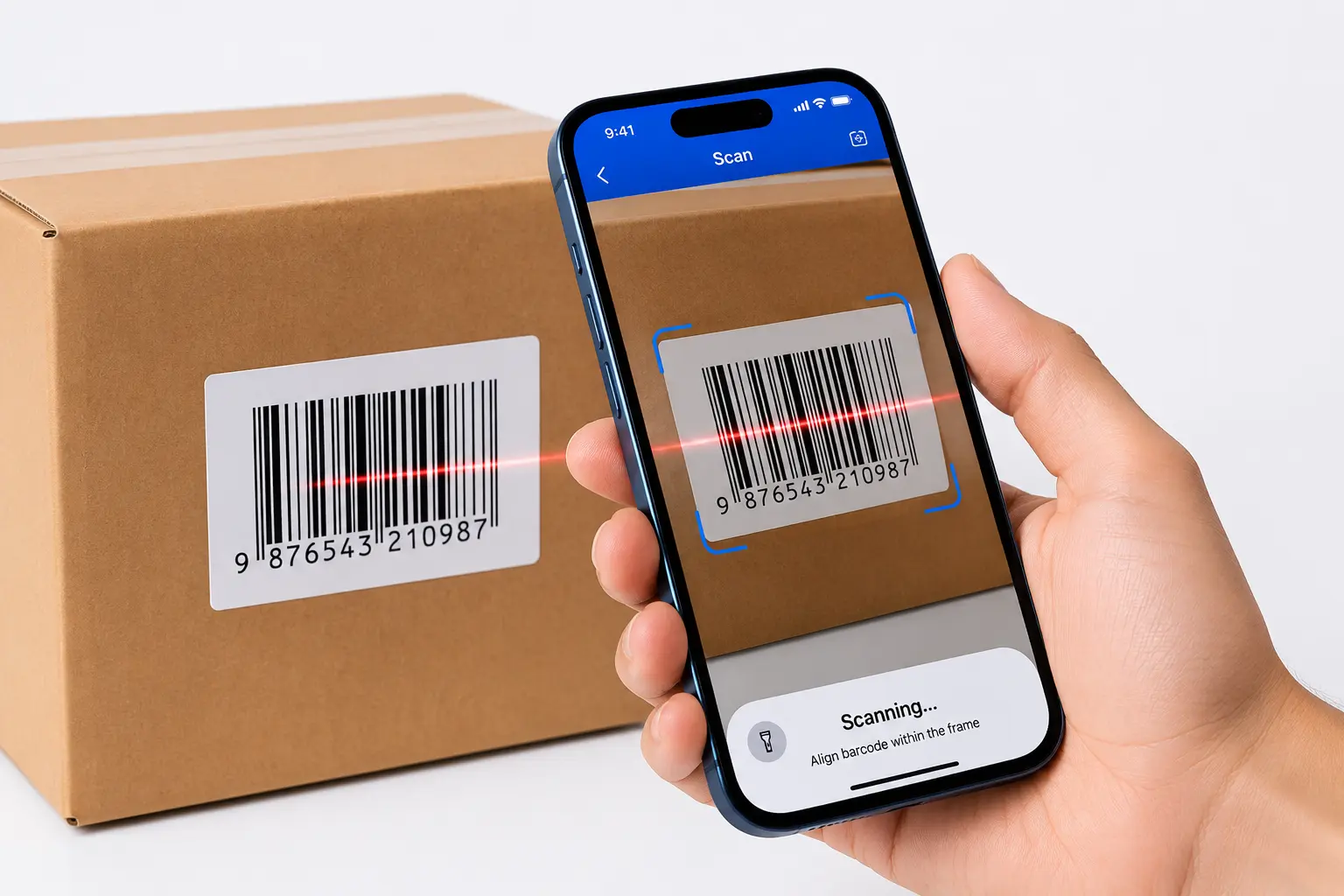
Scan items instead of manually searching and selecting products during sales invoice or POS billing.
Reduce wrong item selection, incorrect quantity entry, and duplicate manual work.
Keep stock records cleaner across purchases, sales, warehouse movement, and transfers.
Help sales, warehouse, purchase, and inventory teams complete routine tasks faster.
Use labels and barcodes to bring consistency to product identification and stock handling.
Quick answers about barcode generation, label printing, barcode scanning, billing, inventory tracking, product variants, and stock verification.
Barcode inventory management software helps businesses identify, track, and manage products using unique barcodes. It simplifies product identification, billing, stock entry, inventory verification, and stock movement while reducing manual data entry and errors.
Yes. BusinessBook Plus allows you to manage barcode information for products and SKUs, making it easier to identify items during billing, purchasing, and inventory operations.
Yes. BusinessBook Plus supports barcode label management so businesses can print and use barcode labels for products. This makes product identification and scanning faster during billing and inventory activities.
Yes. Barcode scanning can be used to quickly identify products during billing. Scanning a product barcode helps add the correct item to the bill without manually searching for and selecting the product, making the billing process faster and more accurate.
Yes. Barcode-based item identification can be used during purchase and inventory operations to select products quickly and reduce manual item entry. This helps maintain more accurate stock records.
Yes. Barcode management can help businesses identify different product variants such as sizes, colors, models, packaging types, or other item-specific variations. This makes it easier to select and track the correct product during transactions.
Yes. Barcode scanning can make physical stock verification easier by allowing businesses to scan products and compare them with recorded inventory. This helps identify stock discrepancies and improves inventory accuracy.
Yes. Barcode-based product identification can help businesses track items across activities such as sales, purchases, stock transfers, and inventory operations. This provides better visibility into product movement and stock records.
Barcode management reduces the need for manual product selection and data entry. Scanning the correct barcode helps identify the intended product and can reduce errors related to wrong item selection, incorrect quantities, and duplicate manual entries.
Yes. Barcode-based inventory management can help businesses identify and track products across different warehouse locations. This makes stock movement and inventory verification easier when managing inventory across multiple locations.
Use BusinessBook Plus to manage barcodes, speed up product selection, reduce billing and stock errors, and keep daily operations moving with better accuracy.